
 Join our Discord
[PAID] MJ-SceneText | 3D Text, Image & Frame Placement System for RedM VORP / RSG
Create immersive roleplay scenes directly inside your RedM world with MJ-SceneText.
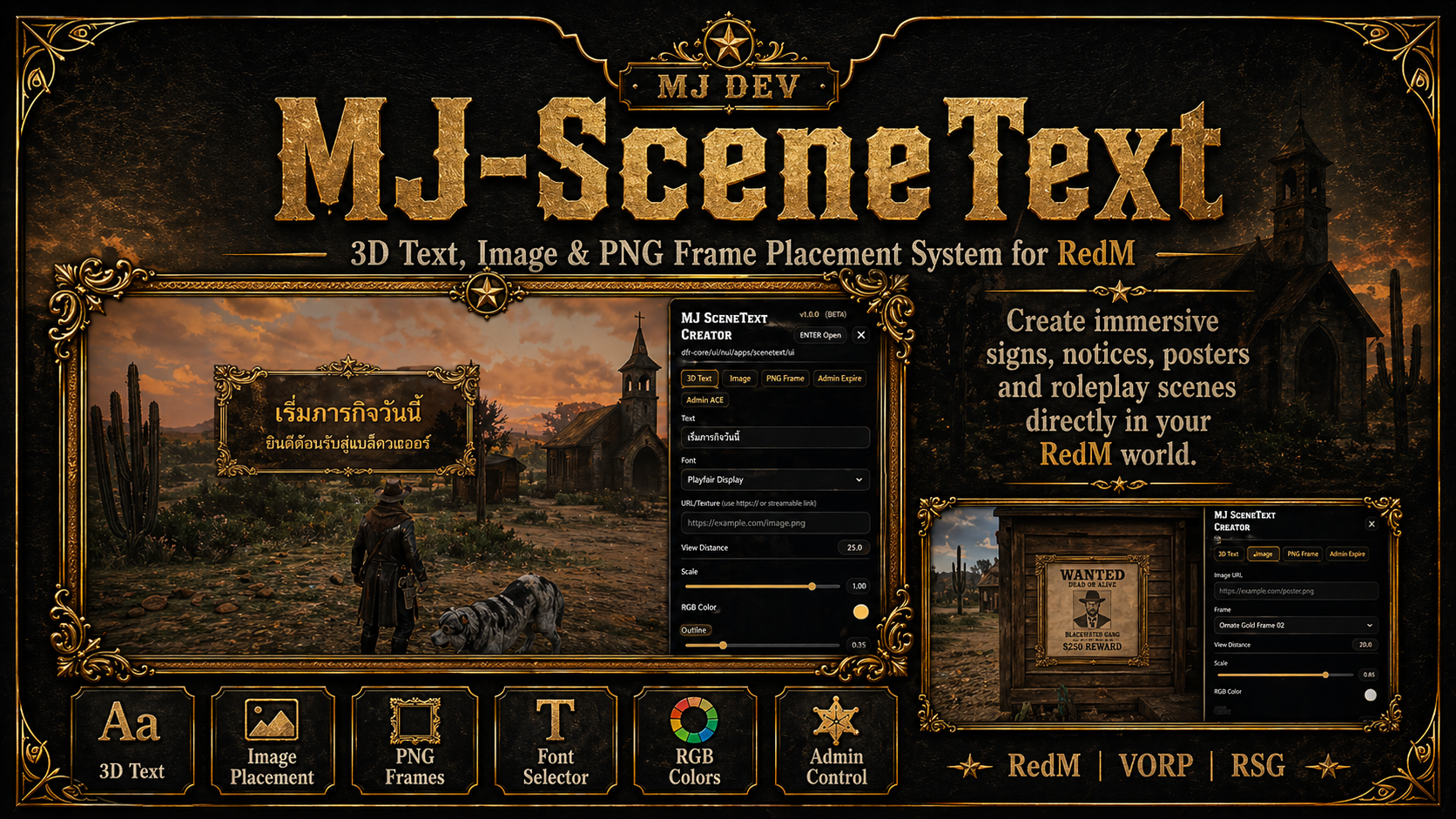
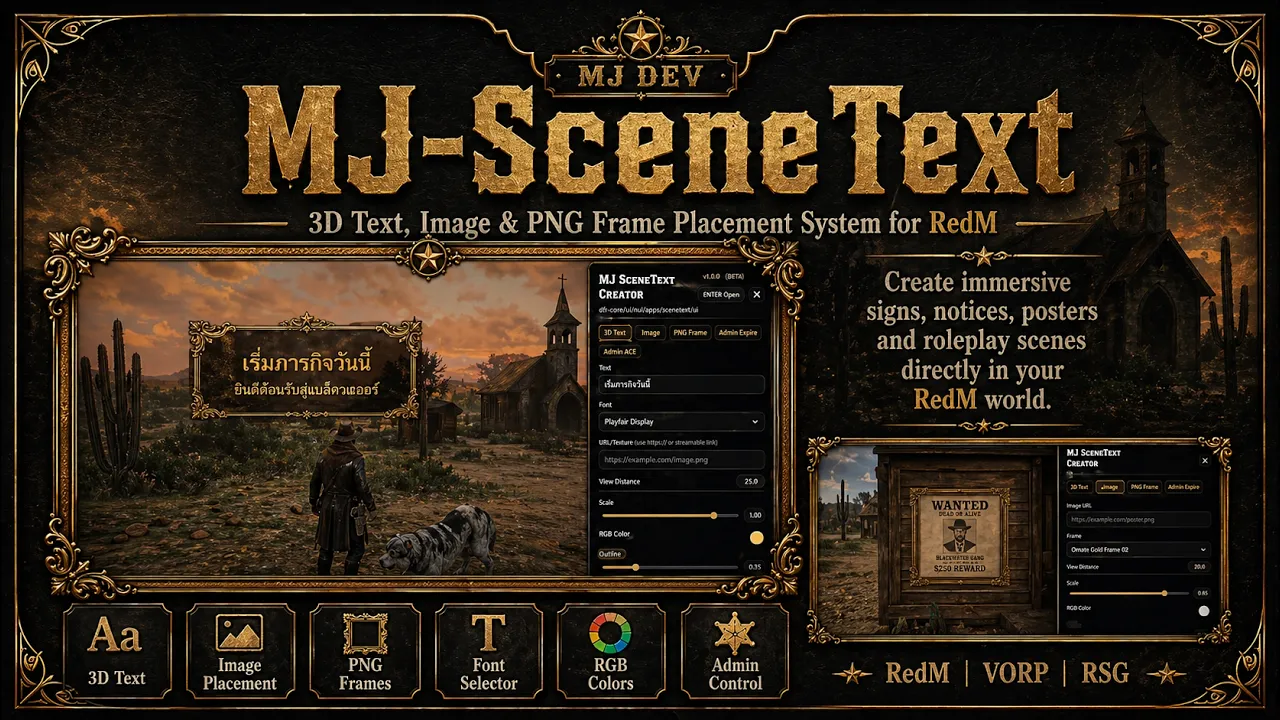
MJ-SceneText is a RedM resource that allows players or admins to place 3D text, images, decorative PNG frames, signs, posters, announcements, quest clues, and event markers directly into the game world through a clean in-game UI.
This resource is perfect for servers that want more immersive towns, shops, events, job locations, roleplay hints, notices, and custom decoration points.
Preview Video
Main Features
3D Text Placement
Place custom 3D text directly into the world.
Useful for shop signs, town notices, roleplay messages, clues, event markers, and server decorations.
Image Placement
Add image URLs into the world.
Great for posters, shop images, event banners, wanted posters, faction signs, and custom visual scenes.
PNG Frame System
Supports transparent PNG frame images behind text or pictures.
You can use western frames, parchment frames, gold frames, fantasy frames, or custom decorative borders.
Font Selector
Players or admins can choose different text font styles from the UI to match the roleplay scene.
RGB Text Color
Includes a clean RGB color editor with R / G / B fields and color preview.
Designed to be easy to read and simple to customize.
Size & View Distance
Adjust text size and scene view distance directly from the UI.
Useful for small details, large signs, or long-distance visible markers.
Expiration System
Scenes can expire automatically after a selected time.
Available expiration options include:
5 minutes
15 minutes
1 hour
6 hours
24 hours
Permanent, if enabled for admins
Real-Time Position Editor
Move the scene before saving:
Left
Right
Forward
Backward
Up
Down
This makes it easy to place the scene exactly where you want it.
Admin Permission
Includes ACE permission support for admins.
Admins can manage, edit, or delete scenes depending on configuration.
Framework Support
Supports:
RedM
VORP Core
RSG Core
Standalone fallback
Usage
Commands
/scenetext
Toggle SceneText placement mode.
/scenetextplace
Open the SceneText creator UI at the position you are aiming at.
Aliases are configurable in config.lua.
Example Uses
MJ-SceneText is ideal for:
Shop signs
City announcements
Wanted posters
Roleplay messages
Quest clues
Event decorations
Job location signs
Faction notices
Hotel, saloon, doctor, sheriff, stable, and store signs
Fantasy or western immersive scenes
Server storytelling points
Configuration
The resource includes a detailed config.lua.
You can configure:
Commands and aliases
Text labels
Admin ACE permission
Default font
Font options
RGB colors
Marker color
Marker size
Text size limits
View distance limits
Expiration options
Database mode
Framework mode
Anti-spam settings
Permanent scene permissions
Requirements
RedM server
oxmysql, if database saving is enabledVORP Core or RSG Core, optional depending on your framework setup
Installation
Download the resource.
Place the folder in your RedM resources folder.
Make sure the folder name is:
MJ-SceneText
Add this to your
server.cfg:
ensure oxmysql
ensure MJ-SceneText
If you use VORP or RSG, make sure your framework starts before MJ-SceneText.
Example:
ensure vorp_core
ensure oxmysql
ensure MJ-SceneText
or:
ensure rsg-core
ensure oxmysql
ensure MJ-SceneText
Add ACE permission for admins if needed:
add_ace group.admin sceneText.admin allow
Restart your server.
Support
Support is available through Discord.
Discord: https://discord.gg/gHRNMDQKzb
Store: https://mj-shop-shop.tebex.io
Preview: https://youtu.be/owYPX4LpZZE
Credits
Developed by MJ DEV
Discord: https://discord.gg/gHRNMDQKzb
Store: https://mj-shop-shop.tebex.io
© 2026 MJDev | All rights reserved
Unauthorized resale, redistribution, reuploading, leaking, or republishing modified versions is not allowed without written permission.
Required Resource Information
Information
Details
Code is accessible
Partially / Config accessible
Subscription-based
No
Lines approximately
Depends on release version
Requirements
RedM, oxmysql if database is enabled, VORP Core or RSG Core optional
Support
Yes, through Discord
Asset Information
Details
Assets are accessible
Yes / UI assets and config assets included
Subscription-based
No
Polygons model and LOD
Not applicable