
 Join our Discord
MJ PTFX Explorer | RedM
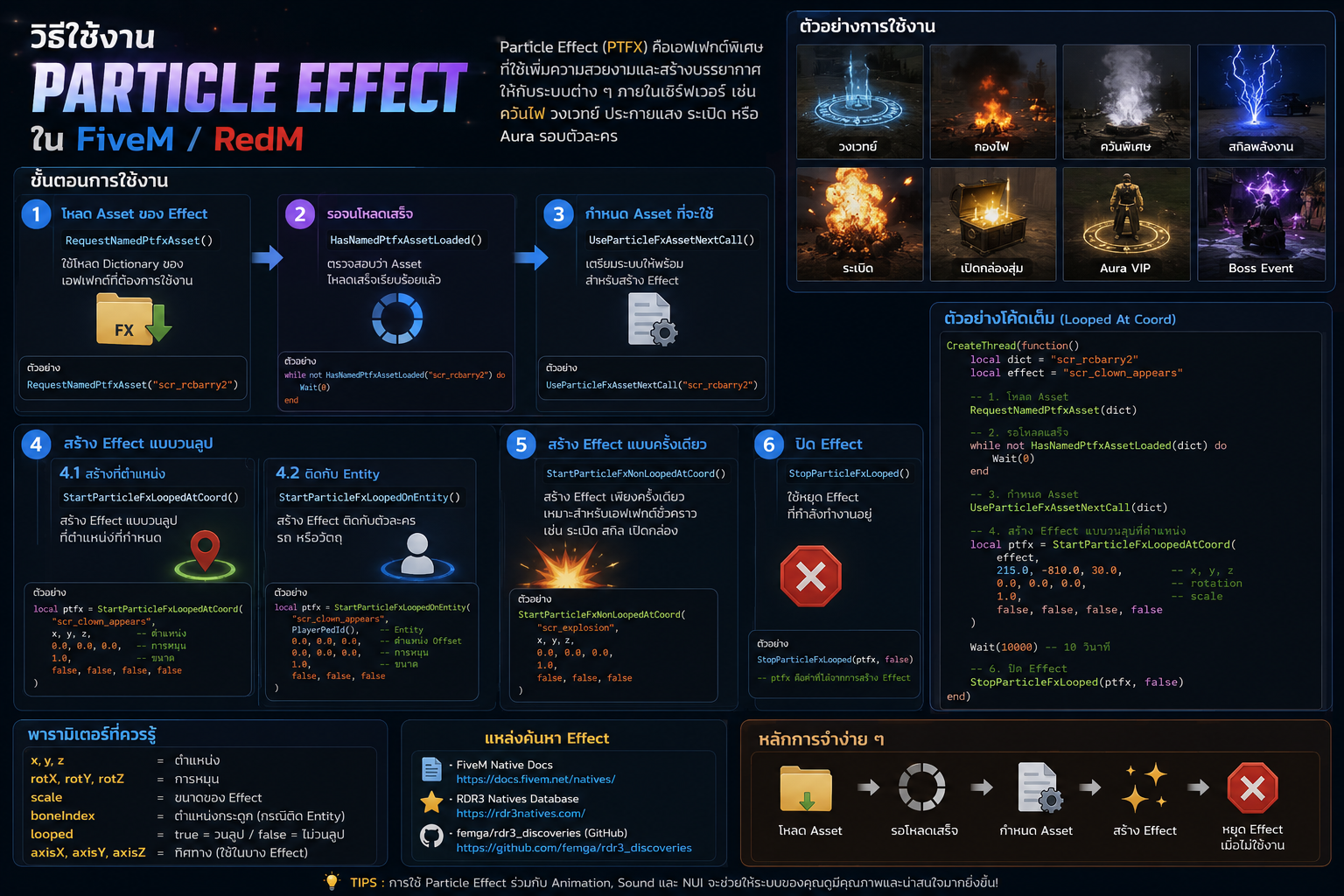
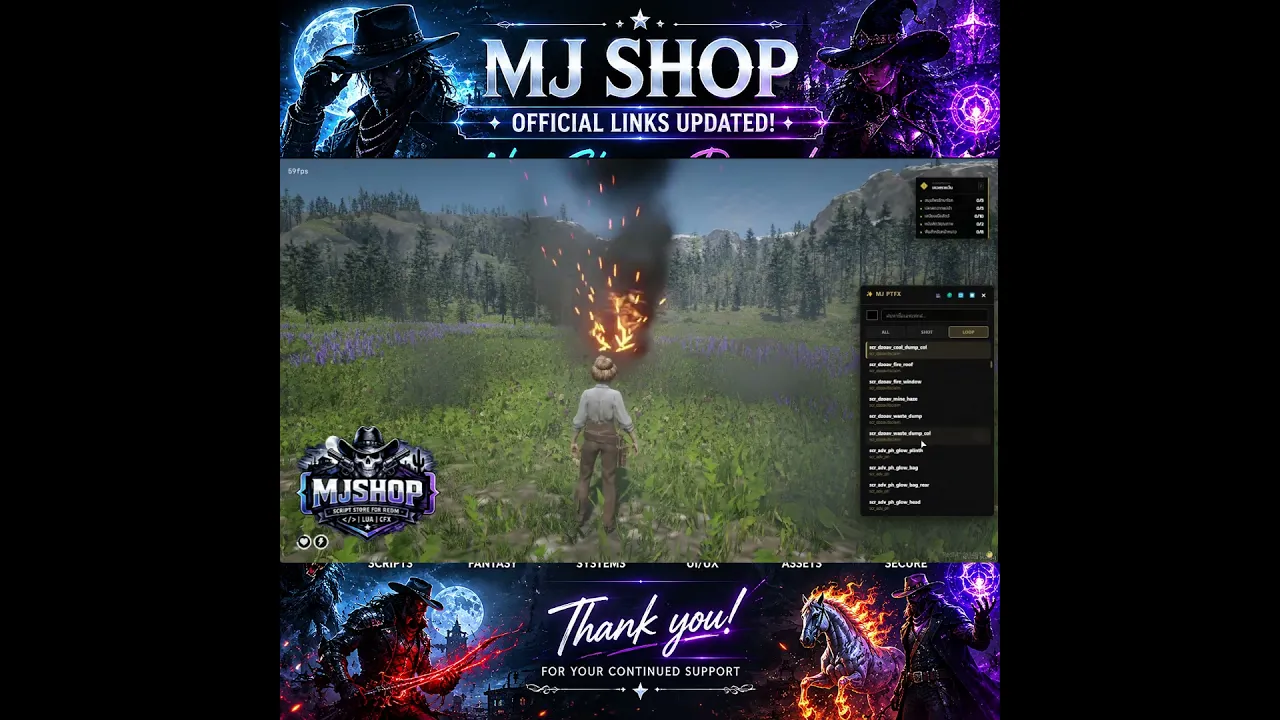
MJ PTFX Explorer is a standalone in-game browser and preview tool for RedM/RDR3 particle effects (PTFX).
It is designed for developers, server owners, and mappers who want a faster way to search, test, and reference particle effects directly inside the game.
Instead of manually searching through long effect lists, you can open the UI in-game, browse available effects, preview them instantly, filter by effect type, and copy the dict/name values for use in your own scripts.
Main Features
Standalone RedM resource
Clean in-game NUI browser
Search effects by dict or effect name
Filter by:
All effects
Non-Looped effects
Looped effects
Instant in-game preview
Auto-repeat preview mode
Stop active looped effects from the UI
Copy:
dict
effect name
dict + name
Draggable UI window
ESC key to close the interface
Easy command configuration
What this script is for
This resource is made for:
RedM developers
server owners
admins
mappers
creators who need to quickly test and identify particle effects in-game
It helps reduce development time when building:
job scripts
interaction effects
action scenes
cinematic moments
environment effects
custom gameplay systems
Included Content
In-game browser UI
Non-looped PTFX list
Looped PTFX list
Effect preview system
Copy helper for dict/name values
Config file for command editing
Current Functionality
Open the browser with a command
Browse a large included PTFX list
Preview selected effects in front of the player
Test looped and non-looped effects separately
Repeat previews automatically
Stop looped effects safely
Copy values for development usage
Compatibility
Game: RedM / RDR3
Framework: Standalone
UI: Included NUI
Dependencies: None
Default Command
/mjfx
The command can be changed in the config file.
Installation
Place the resource in your server
resourcesfolderRename the folder if needed
Add the resource name to your server config
Start or restart the resource
Use the configured command in-game
Notes
This product is a browser / preview utility for particle effects
It is intended for development and server-building workflow
This package does not claim to add custom-made particle assets
It is designed to help you browse and test included PTFX references more efficiently
Why buy this resource?
If you work with RedM effects, this tool saves time and makes testing much easier.
You can find effects faster, preview them directly in-game, and copy the required names without leaving your workflow.